

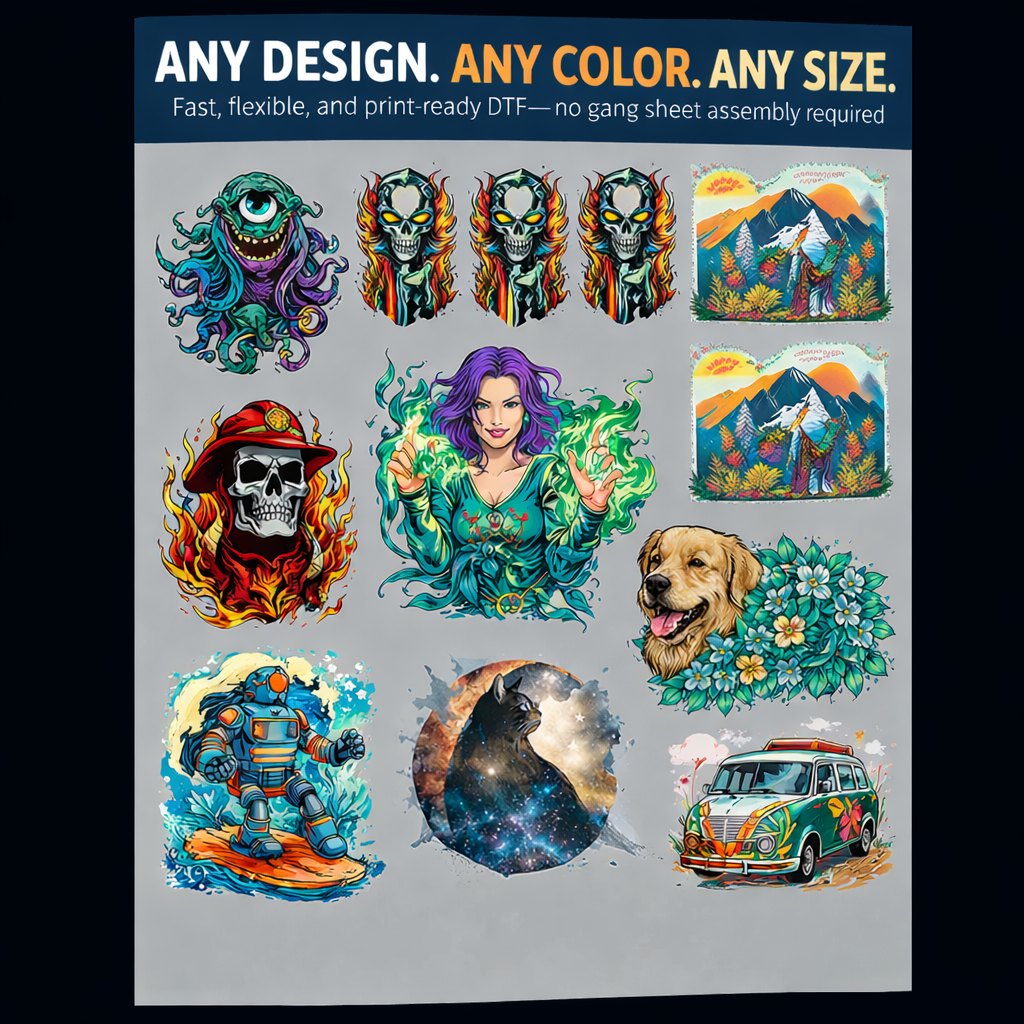
Prepare your artwork
Use transparent PNG, PDF, SVG, AI or EPS files. Export raster artwork at 300 DPI at its intended print size.
Built for speed
RapidGang is the fastest route when your artwork is already separated into individual files. Upload each design, enter its finished size and quantity, and the Summit builder calculates the production layout and price automatically.
Use transparent PNG, PDF, SVG, AI or EPS files. Export raster artwork at 300 DPI at its intended print size.
Enter the finished width or height for each design. Keep the proportion lock on unless you intentionally need to reshape it.
Check the resolution indicator, preview the calculated layout and confirm every design before adding the order to your cart.
Multiple individual logos, left-chest designs, full-front graphics and repeat quantities that you want arranged automatically.
Choose the Gang Sheet Builder when you want to position, rotate, duplicate and arrange designs yourself on the complete sheet.
RapidGang FAQs
The Summit builder calculates the total linear height required for your uploaded artwork and applies the current per-linear-inch rate.
For the cleanest output, supply raster artwork at 300 DPI at the final size you intend to print.
Yes. Add multiple files, then set the finished size and quantity for each design before reviewing the calculated sheet.