Skip to product information
1 of 1

Summit Transfers

DTF Gang Sheet Builder

DTF Gang Sheet Builder

$0.55 per inch24.5″ wide sheets, no minimum length

Any length up to 200″. Your exact price is shown before you add your sheet to the cart.

Summit guided ordering

Summit gang sheet builder

Prepare once. Build with confidence.

Confirm these artwork basics before opening the builder. Upload, size, arrange and review your sheet without leaving Summit Transfers.

Artwork is final size Background is transparent I have reproduction rights
  1. 01Upload
  2. 02Configure
  3. 03Review
  4. 04Cart

The button below opens the secure Summit builder on its own dedicated page.

Ready for next-level DTF? These transfers are printed on our 9-color Expanded Gamut printer — engineered to deliver a wider color gamut, richer gradients, and cleaner details than standard 4-color systems. More colors mean deeper reds, brighter neons, smoother blends, and truer-to-file prints — so what you design is what you press.

DTF gang sheet pricing

All sheets are 24.5" wide and priced at $0.55 per inch of length. There's no minimum: order any length up to 200".

Sheet size (width × length) Price
24.5" × 12" $6.60
24.5" × 24" (2 ft) $13.20
24.5" × 36" (3 ft) $19.80
24.5" × 60" (5 ft) $33.00
24.5" × 120" (10 ft) $66.00
24.5" × 200" (16.7 ft) $110.00

Your exact price is shown before you add your sheet to the cart.

24.5-inch print width9-color outputNo minimums
View full details

You are ordering physical DTF transfers for apparel, not a finished shirt or an artwork download. Check the product’s heat-press and application instructions before ordering.

Full layout control

Build every inch your way.

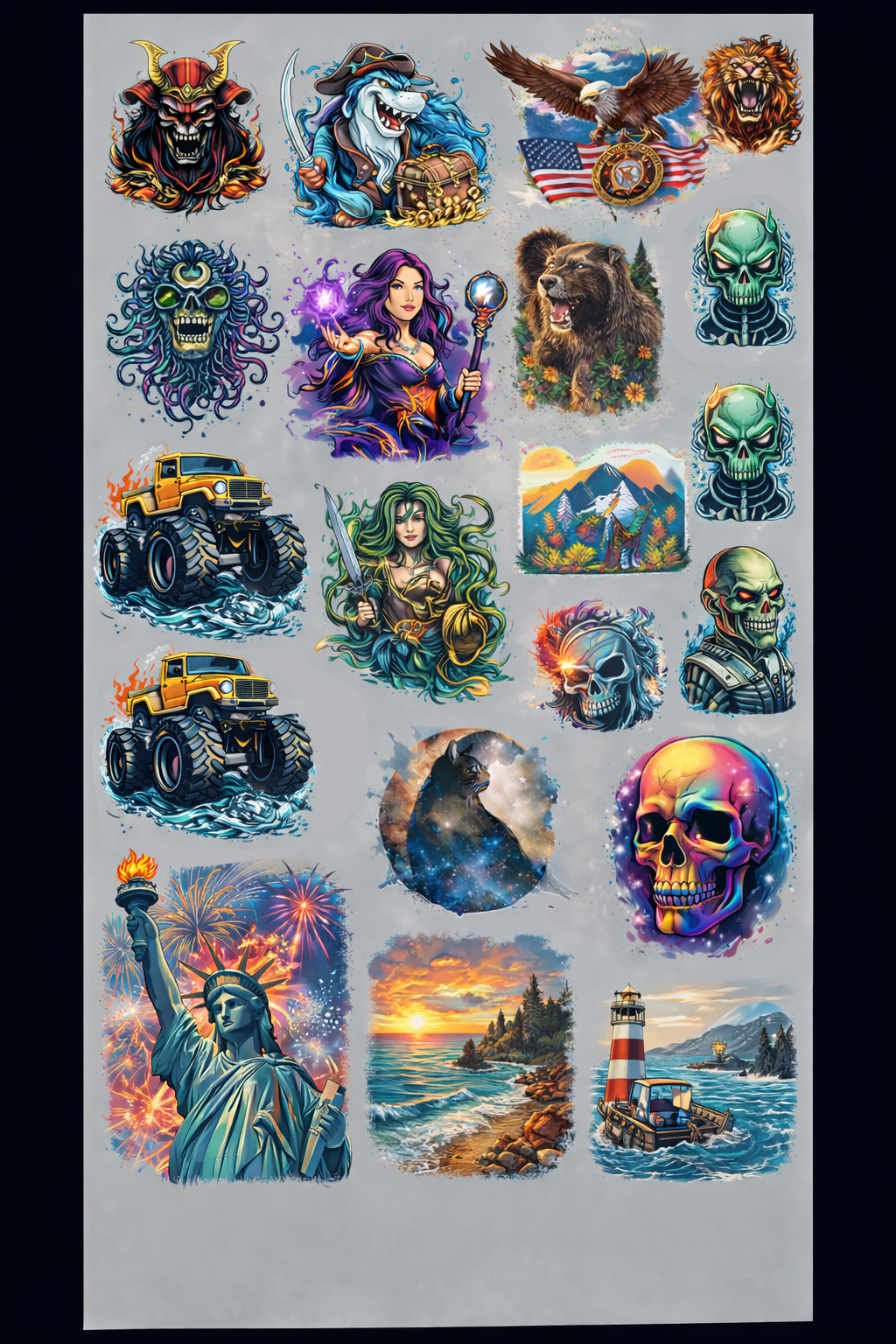
Gang Sheet Builder gives you a complete canvas for arranging artwork yourself. Upload designs, resize, rotate and duplicate them, then use the available sheet space to create the exact production layout you need.

01

Choose your sheet

Select the gang-sheet size that fits your production run before arranging artwork on the canvas.

02

Build the layout

Upload, position, resize, rotate and duplicate each design. Keep artwork inside the printable boundary.

03

Inspect every detail

Confirm dimensions, spacing, orientation and image quality before approving the finished sheet for your cart.

Best for

Customers who want precise placement, mixed design sizes, maximum sheet utilization and a real-time view of the finished layout.

Want automatic arrangement?

Choose RapidGang when you prefer to upload individual designs and let the Summit builder calculate and arrange the production sheet.

Gang Sheet Builder FAQs

How close can designs be placed?

Leave enough space to cut each transfer comfortably. Check the complete preview before approving your layout.

Can I duplicate artwork on the canvas?

Yes. Upload a design once, then duplicate and resize it as needed for the quantities included on that sheet.

Will Summit rearrange my completed layout?

Your approved canvas is treated as the intended production layout, so review every position and dimension carefully before adding it to cart.