Skip to product information
1 of 1

Summit Transfers

DTF Gang Sheet Upload

DTF Gang Sheet Upload

Summit guided ordering

Summit gang sheet builder

Prepare once. Build with confidence.

Confirm these artwork basics before opening the builder. Upload, size, arrange and review your sheet without leaving Summit Transfers.

Artwork is final size Background is transparent I have reproduction rights
  1. 01Upload
  2. 02Configure
  3. 03Review
  4. 04Cart

The button below opens the secure Summit builder on its own dedicated page.

Upload finished DTF gang sheets

Upload Your Pre-Built Gang Sheet
Have a print-ready layout? Upload your completed gang sheet and we’ll run it through our professional DTF production workflow.

Move beyond the limitations of traditional screen printing and the inconsistency of DTG — and step into high-performance digital printing with DTF transfers engineered for durability, vibrancy, and efficiency.

Why Choose Summit Transfers?
Precision print production: Your file, printed on our 9-color wide-gamut DTF system for superior color depth and accuracy.
Optimized shop workflow: Reliable, ready-to-press transfers that streamline production, minimize reprints, and support scalable order volumes.

24.5-inch print width9-color outputNo minimums
View full details

Production-ready upload

Your gang sheet is finished. We’ll take it from here.

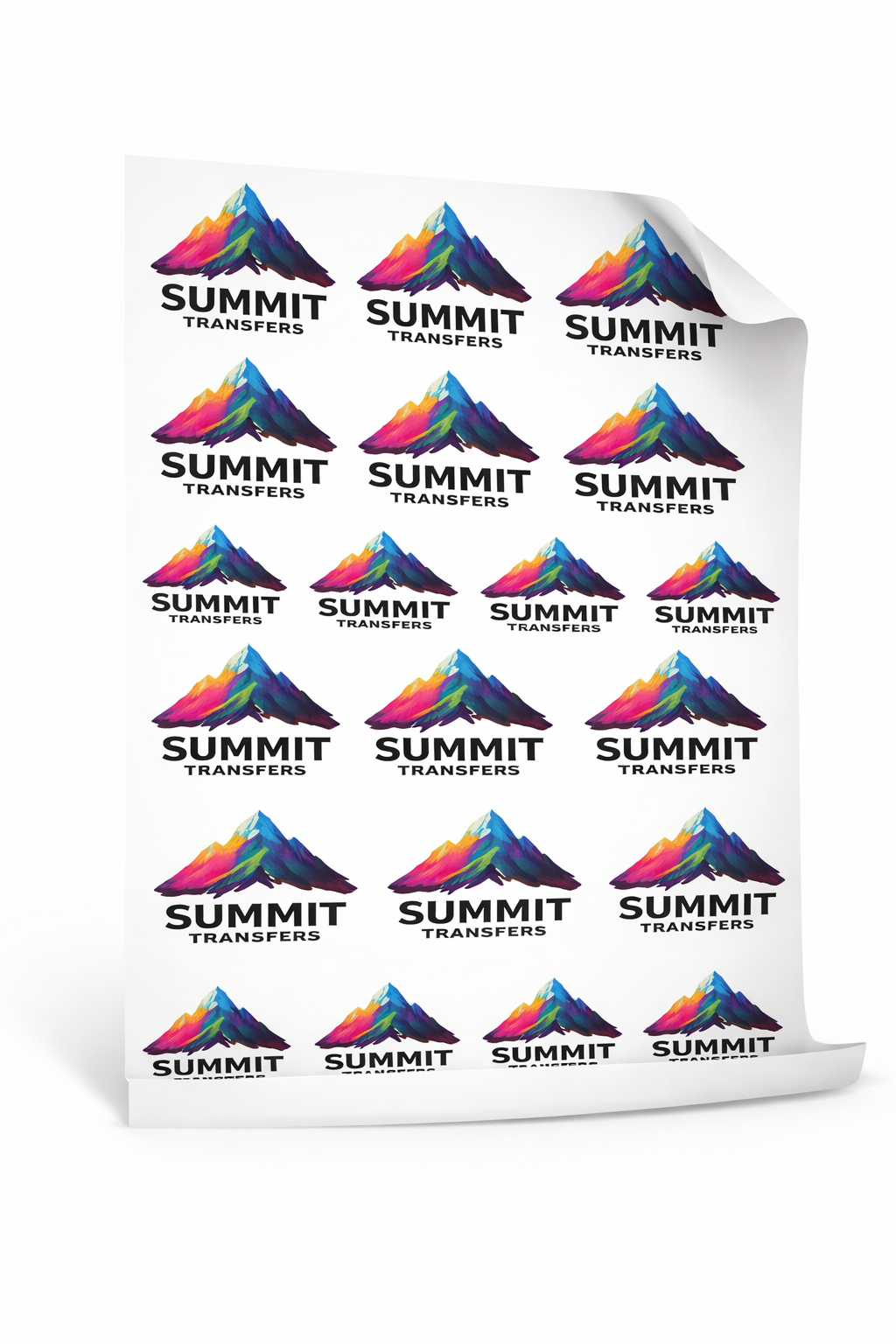
Finished Gang Sheet Upload is for artwork that has already been completely arranged at final production size. Upload the complete sheet, verify its dimensions and resolution, and send it directly into Summit’s print workflow.

01

Export at final size

Create the full gang sheet at its exact intended dimensions with a transparent background and no extra canvas area.

02

Verify the file

Use a production-ready format and confirm that raster artwork is 300 DPI at final size before uploading.

03

Confirm the preview

Check orientation, clipping, dimensions and image quality. The uploaded sheet will be produced as submitted.

Best for

Designers and print shops with a completed, print-ready gang sheet that does not require layout changes or automatic arrangement.

Still arranging designs?

Use Gang Sheet Builder for manual canvas control, or RapidGang to have individual designs arranged automatically.

Finished Upload FAQs

Will Summit fix or rearrange my uploaded sheet?

This workflow assumes the file is production-ready. Confirm the layout carefully; significant artwork changes may require a corrected upload.

Should the background be transparent?

Yes, unless a printed background is intentionally part of the design. Unexpected solid backgrounds will print as supplied.

What should I check before submitting?

Verify final dimensions, 300 DPI resolution, transparency, orientation, artwork edges and adequate cutting space between designs.